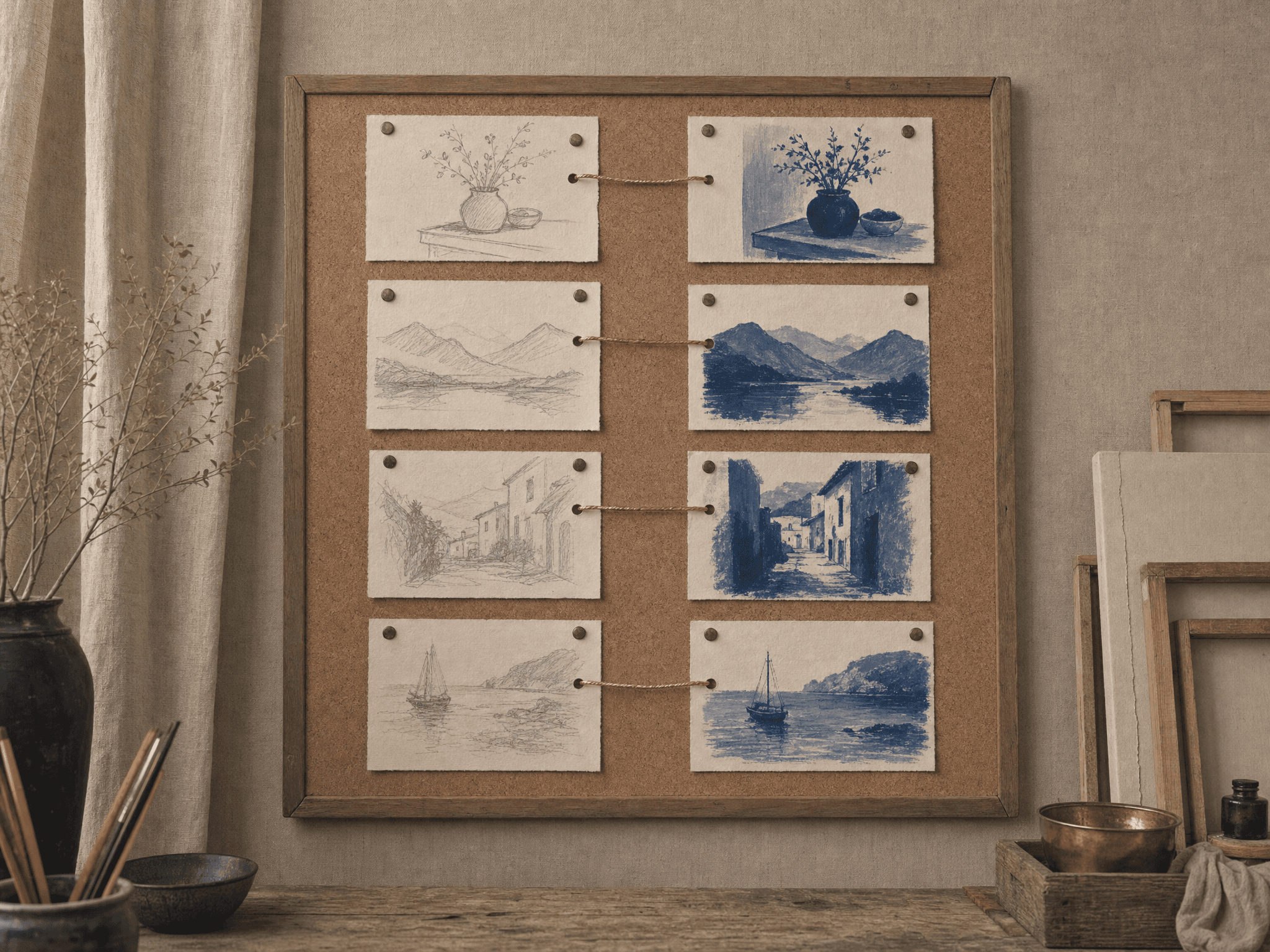
Up to here we've always taught our painter a thing: a cat, a sneaker, a way of drawing. With edit LoRAs we drill a change into them instead. We're no longer saying "this is TOK"; we're saying "when you see this, turn it into that." It's the difference between teaching a noun and teaching a verb.
The album becomes a deck of before/after cards
An edit album has no room for photos standing alone; everything here comes in pairs. Picture each pair as a playing card: the front shows the world as it is, the back shows it transformed. The one rule the painter asks of us is a simple naming scheme: ROOT_start.ext and ROOT_end.ext.
Here's a real pair from a set we trained: a pencil sketch, and the same scene brought to life in gouache:
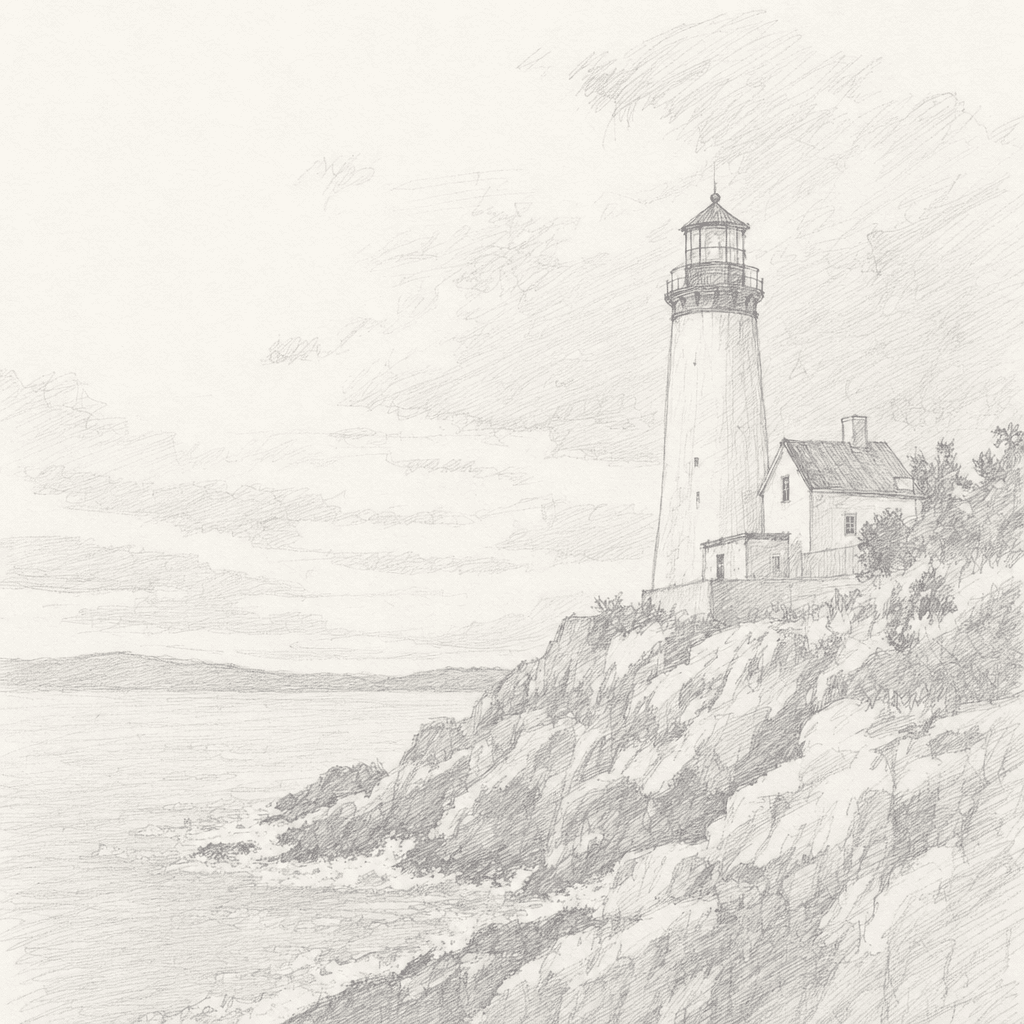

# dataset.zip
p01_start.png # the before
p01_end.png # the after
p02_start.png
p02_end.png
…
p01_start2.png # optional: up to 4 reference images per pair
After some fifteen cards like this, the painter starts to grasp that magic mapping: how do lines turn into brushstrokes, and white paper into deep layers of paint? Once the run is done, we can hand them a sketch they've never seen and they'll apply the very same transformation to it.
The one rule that never bends
This is why collecting an edit album is a bit of a chore; two versions of the same scene aligned to the millimeter are hard to come by. In the next chapter we'll see how we manufactured these cards ourselves.
The caption carries the instruction
When we work with pairs, the caption usually describes the transformation itself rather than the image. For our own set we used one shared caption:
turn this pencil sketch into a finished gouache painting in TOKSTYLE styleAt painting time, we give the system a photo and a prompt in this same spirit; the learned skill takes care of the rest.
Reference images: extra hints
The Klein edit trainer accepts up to four extra references per pair (ROOT_start2 … ROOT_start4). They come to the rescue whenever the transformation needs information from outside the frame: if the edit says "add this vase to that room", a standalone photo of the vase is exactly that kind of hint. Sketch-to-painting needs none of this, but here's what a full card looks like:
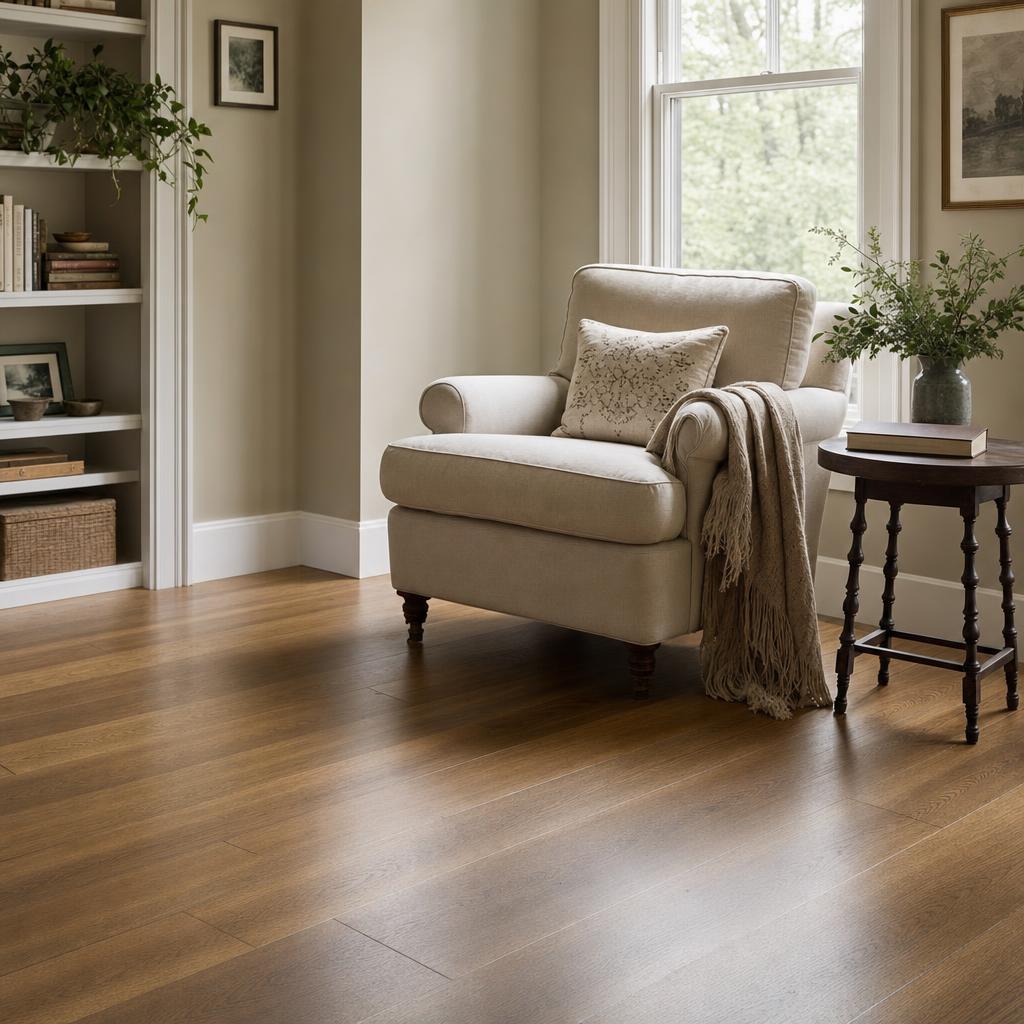
p07_start.png
The room as it stands. The starting frame.
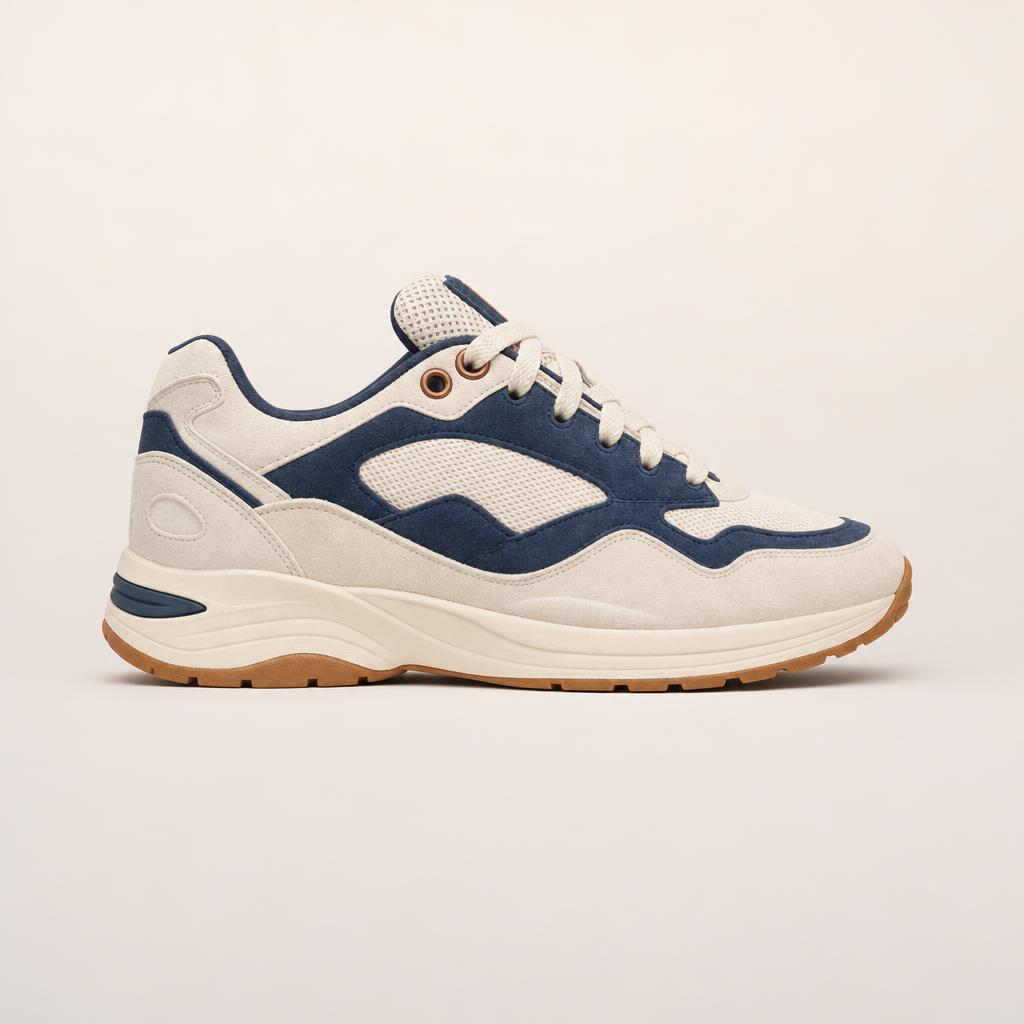
p07_start2.png
Reference: a studio shot of the product to be added. Where the painter looks when we say "add this".
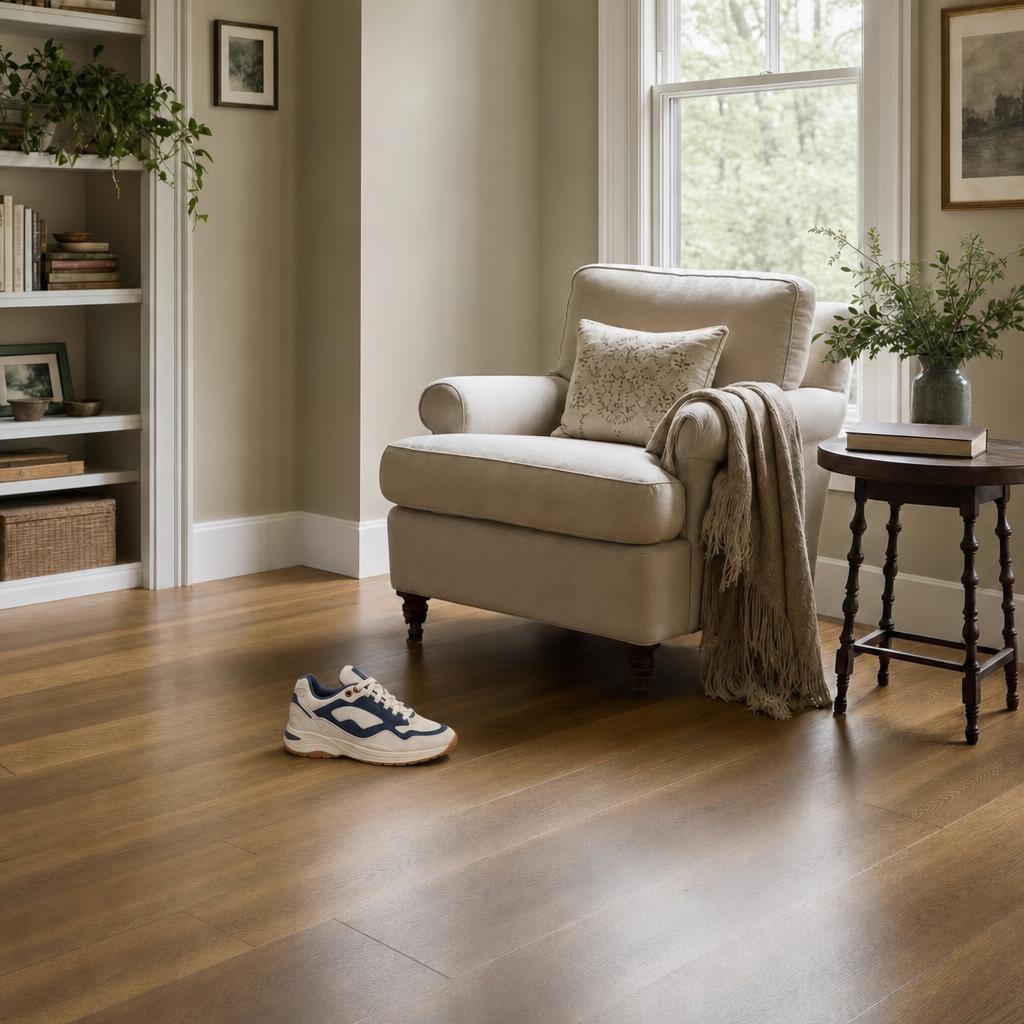
p07_end.png
Result: the same room, the product on the floor, consistent down to its shadow.
We staged this trio to show the logic, with the KIVO sneaker you might remember from chapter 7. A set of 10 to 15 cards like this is enough to teach an edit that places the referenced product into a scene.
Where to train it, where to run it
- For training, our first pick is the Klein 9B edit trainer: on speed and cost, it's the ideal choice for LoRA training. When nothing less than maximum fidelity will do, we step up to the larger FLUX.2 edit trainer.
- For running it, we reach for the matching edit/lora inference endpoints, the ones that accept both a LoRA and an input image.